Driver Report
Trips, allowances and costs by driver.


Reports use each record's own exchange rate. They come with charts and key figures, and every list exports to Excel. Only authorised users see profit reports.
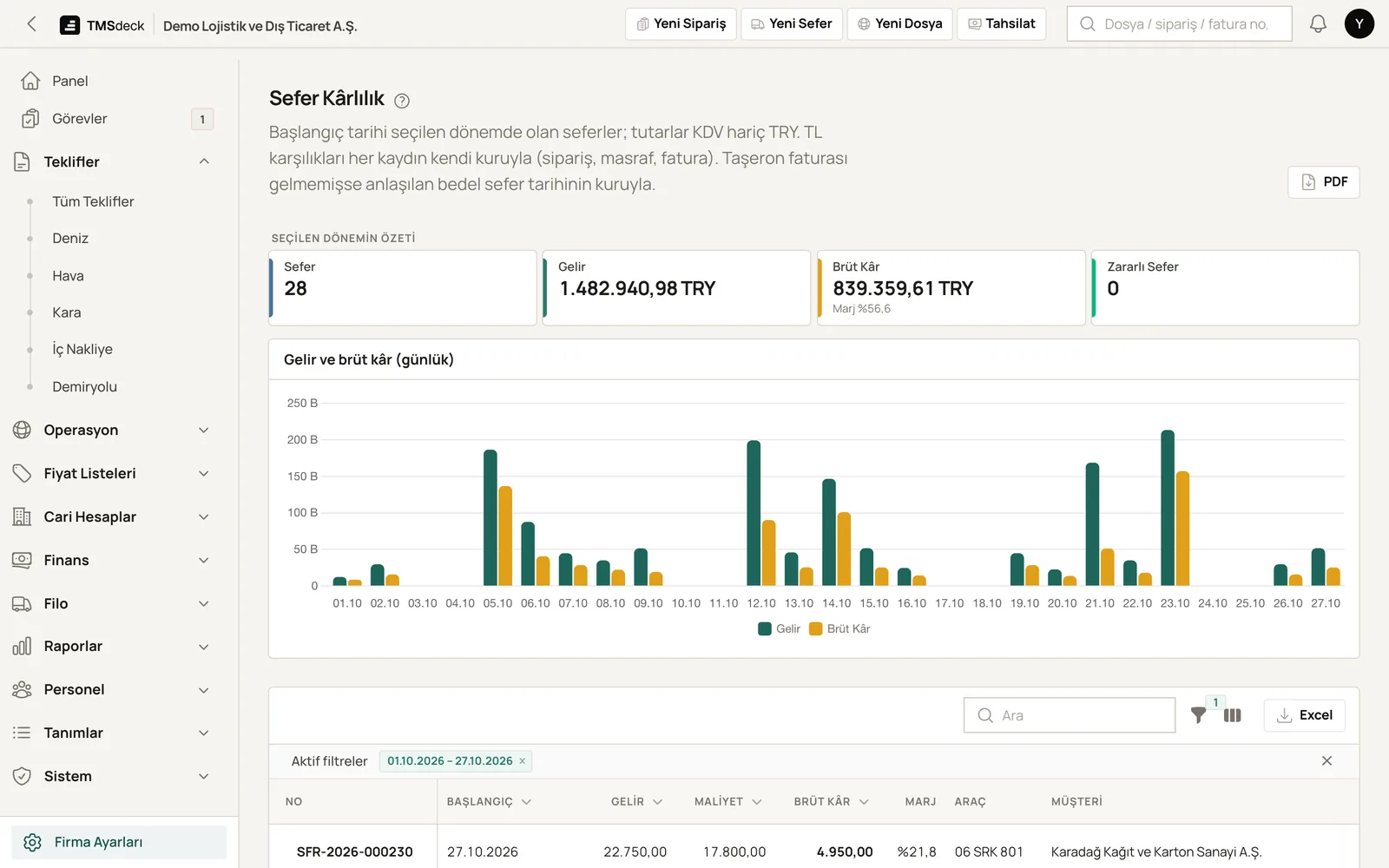
Which trip, truck, customer and route makes money? The answer on one screen.
Freight minus fuel, tolls, allowances, costs and subcontractor fees.
Revenue, cost and profit per truck.
How much each customer earns you.
Revenue and profit by route.
For road and forwarding jobs; price and exchange differences shown separately.
Results by sales rep.
Won and lost quotes, with lost reasons.
Trips, allowances and costs by driver.
L/100 km per truck. Thirsty trucks flagged.
Costs by type and by truck.
Jobs given to subcontractors and their fees.
Shipments and their status.
Receivables by due date and days overdue.
Expected money in and out.
Cash movements with carry-over and closing.
VAT totals for the period.
A ready list for your accountant.
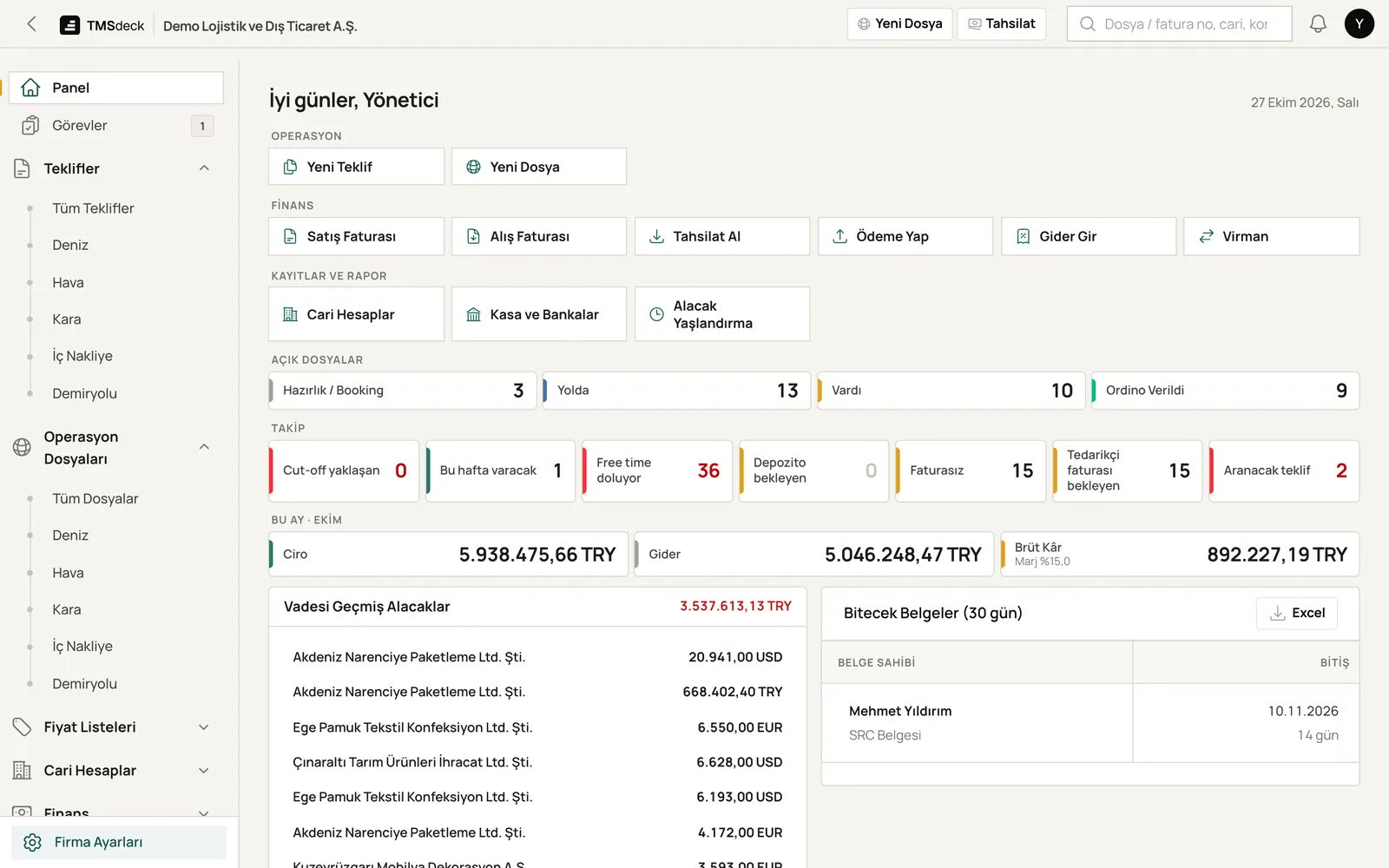
The home screen shows turnover, receivables and today's tasks. Alerts arrive every morning: expiring documents, upcoming maintenance, payments falling due.
Reports draw on every part of the TMSdeck transport management system: road transport, fleet management, freight forwarding and invoicing and accounting.
Only if you allow it. Ready roles: Manager, Operations, Accounting, Pricing, Read-only. Profit and buy prices are visible only to authorised users.
Yes. Every report and every list exports to Excel in one click.
Reports use each record's own exchange rate. The Expected vs Actual report shows price and exchange differences separately.
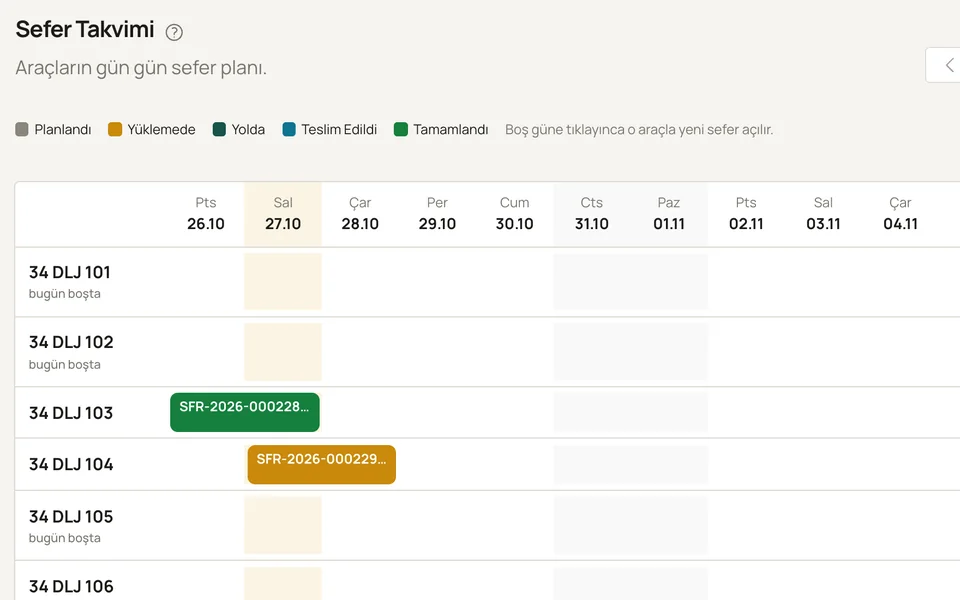
Quotes, orders, trips and subcontractors. Part loads, route tariffs and U-ETDS reporting.
Details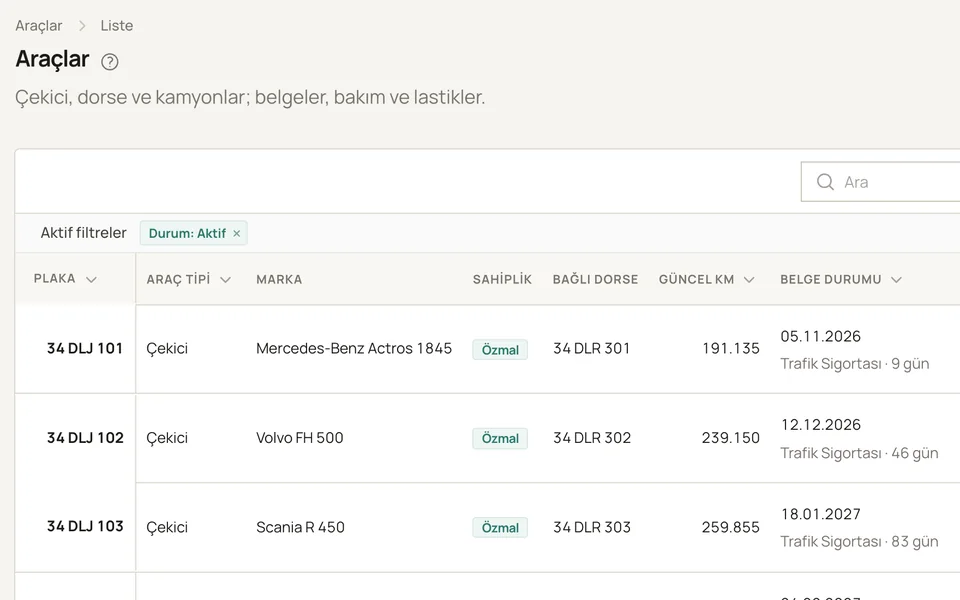
Tractor, trailer and truck records. Fuel, maintenance, tyres, fines and driver settlements.
Details
Accounts, invoices, payments, cash, bank and cheques. Foreign-currency invoices, daily CBRT rates, e-invoicing via Paraşüt.
DetailsIn a short call we walk you through the system using trips and files like yours. Pricing follows separately, based on what you need.